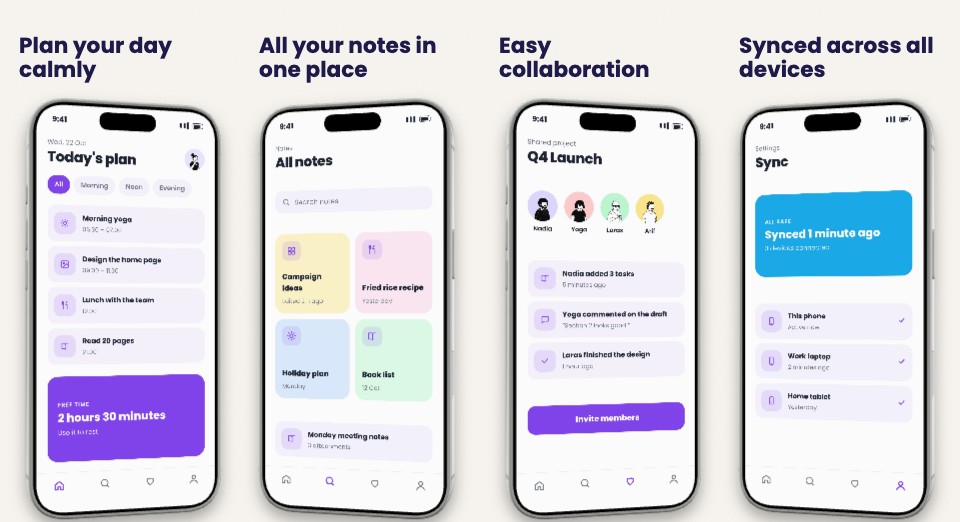
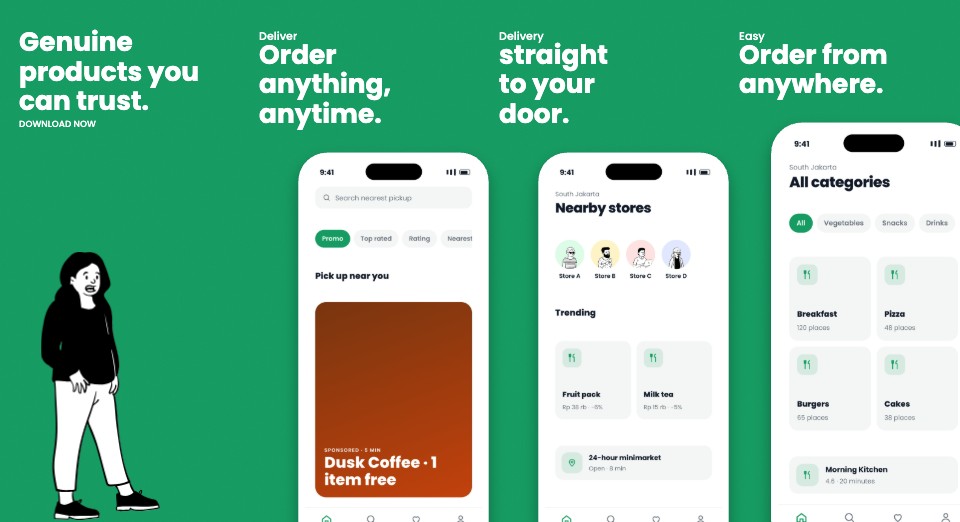
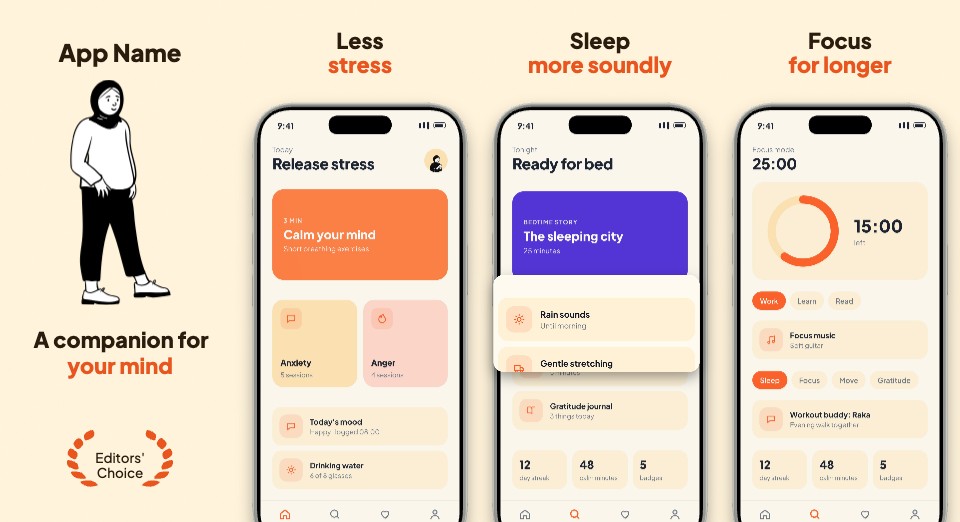
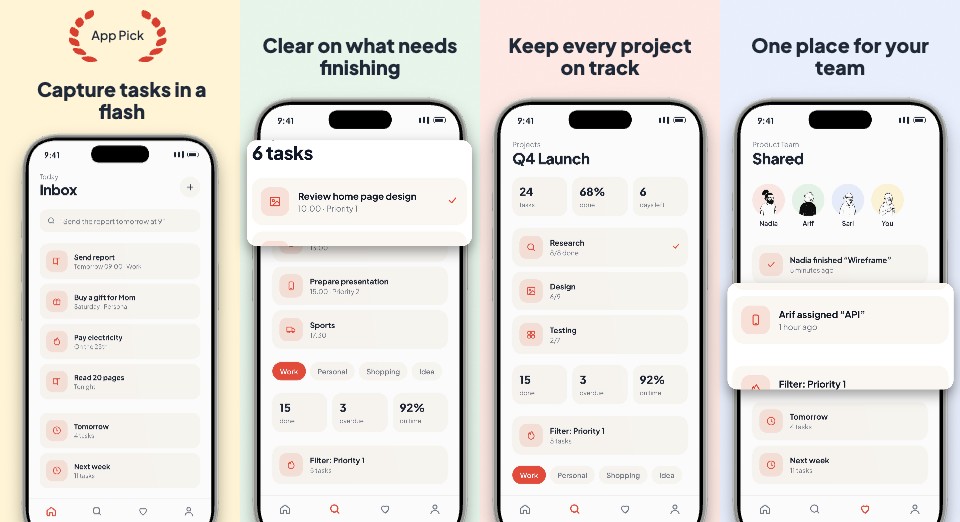
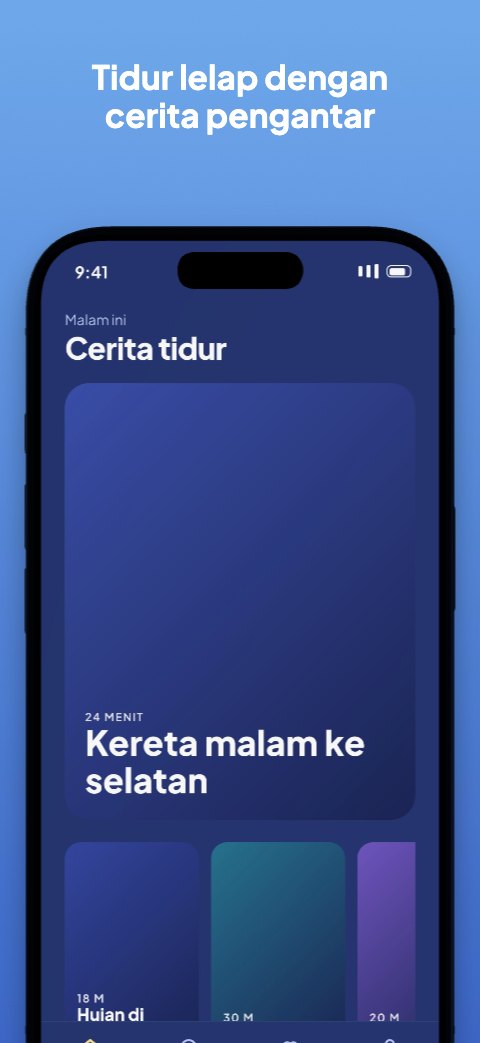
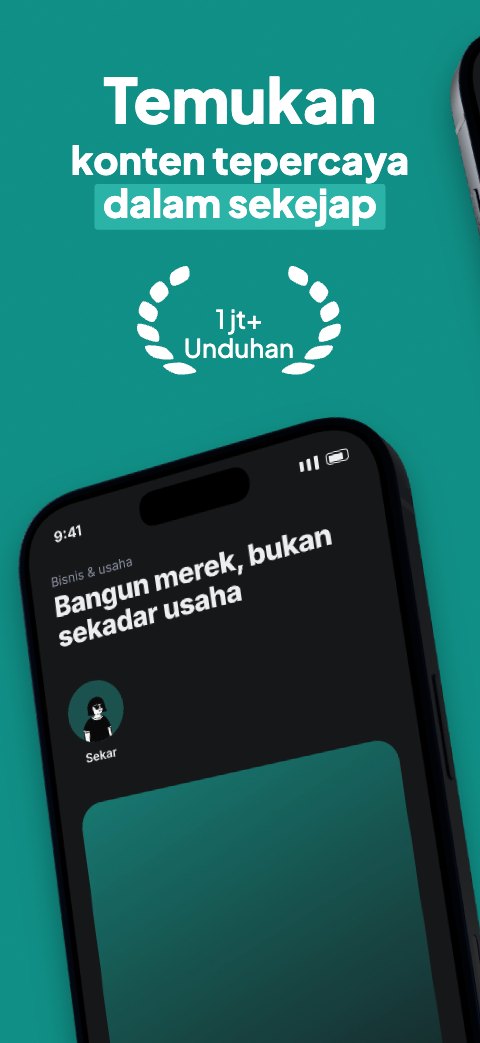
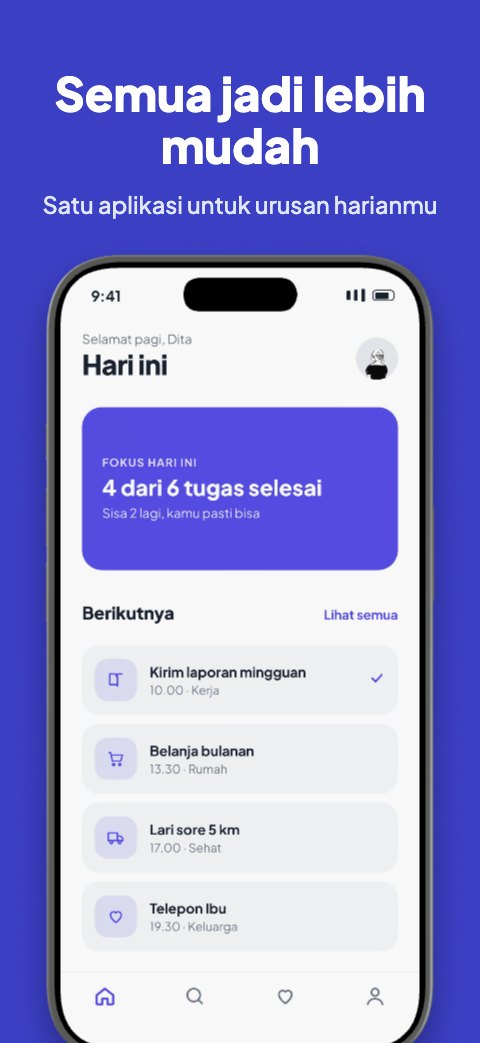
A frame worthy of your app.

App Store and Google Play screenshots from templates: fill the phone slots, change titles and brand colours, then download every official size at once. Made in the browser, and your files stay on your device.

App Store and Google Play templates
45
app categories
11
official store sizes at once
5
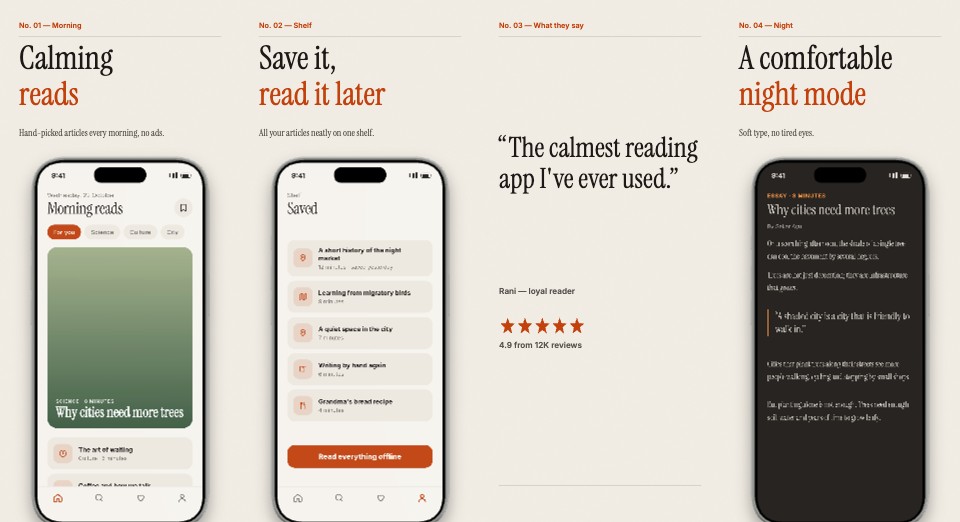
Store template Editorial
Store · Editorial
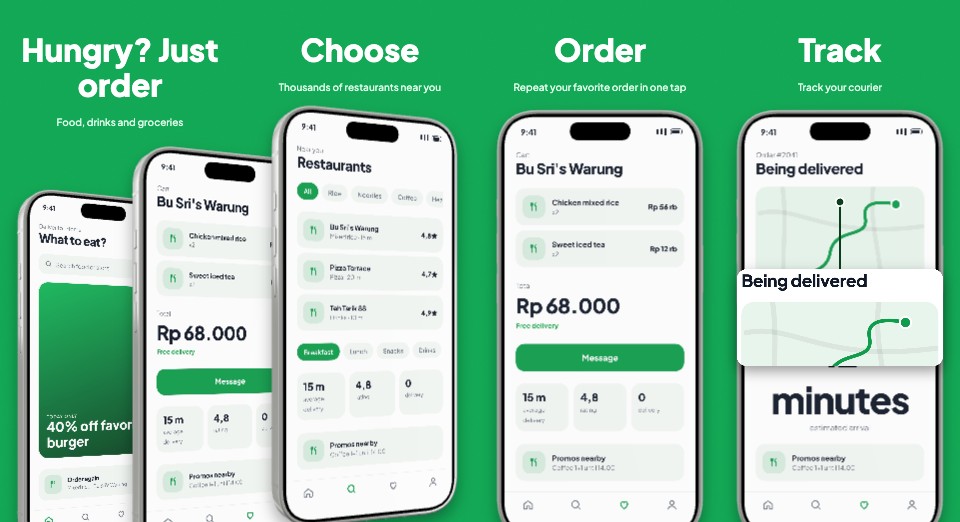
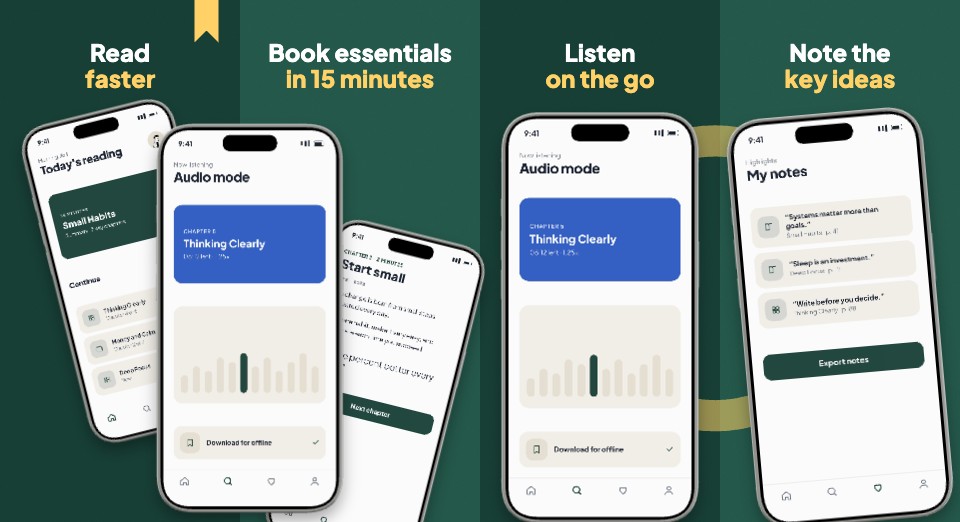
Store template Hungry Green
Store · Hungry Green
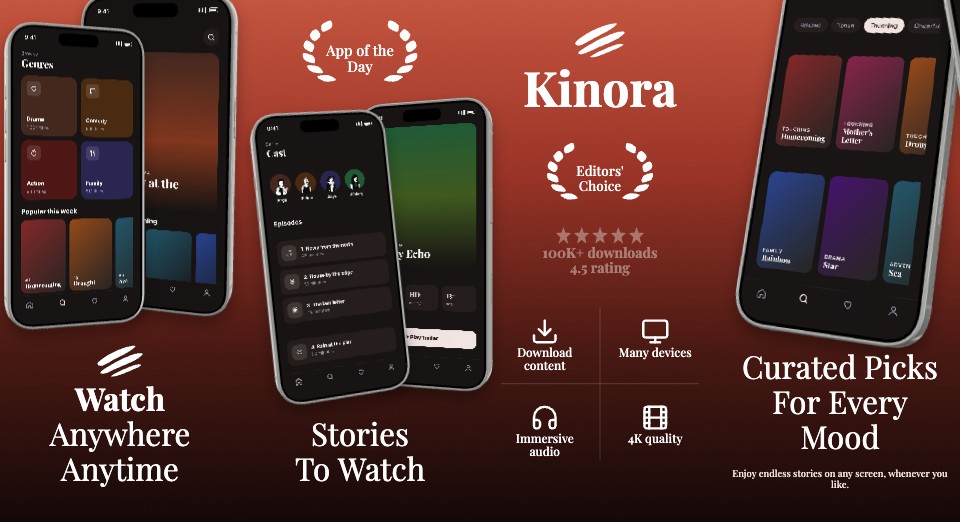
Store template Cinema
Store · Cinema
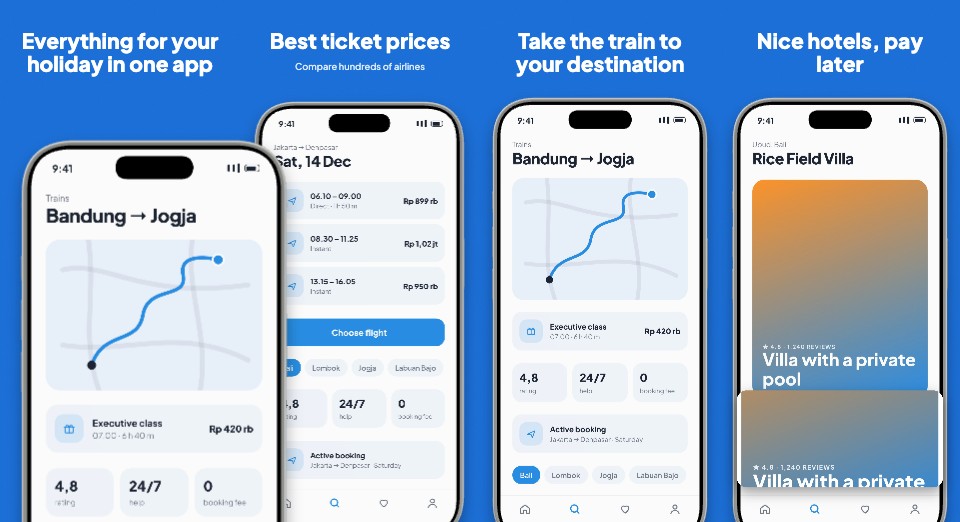
Store template Bright Explore
Store · Bright Explore
Store template Neat Paper
Store · Neat Paper
Store template Compact Curve
Store · Compact Curve
Store template Calm Sky
Store · Calm Sky
Store template Spotlight
Store · Spotlight
Store template Panorama
Store · Panorama
Store template Swift Delivery
Store · Swift Delivery
Store template Cheerful Health
Store · Cheerful Health
Store template Pastel Work
Store · Pastel Work
Store template Capital Lime
Store · Capital Lime
Store template Soft Minimal
Store · Soft Minimal

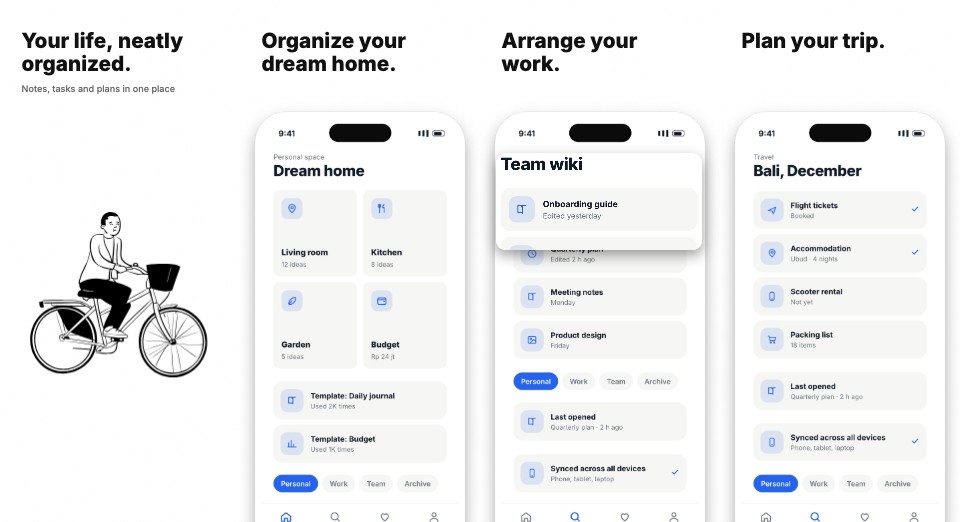
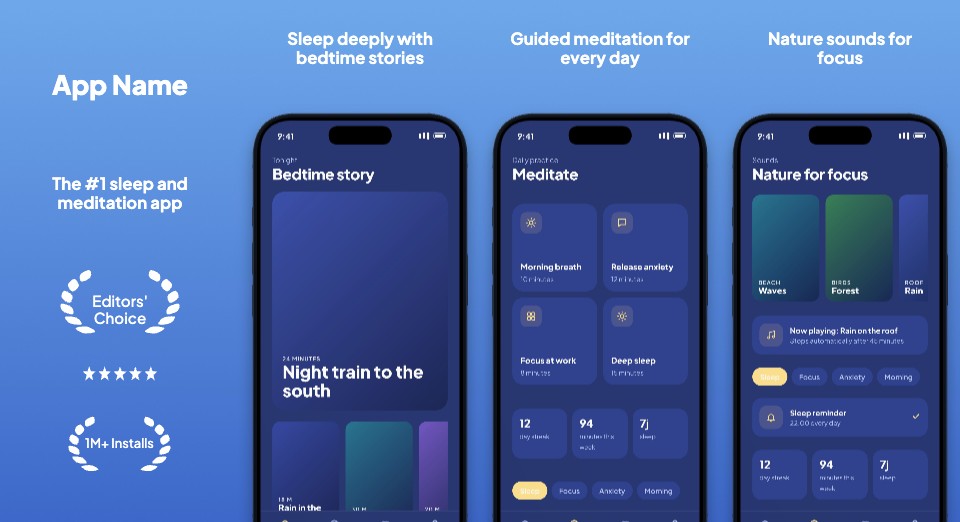
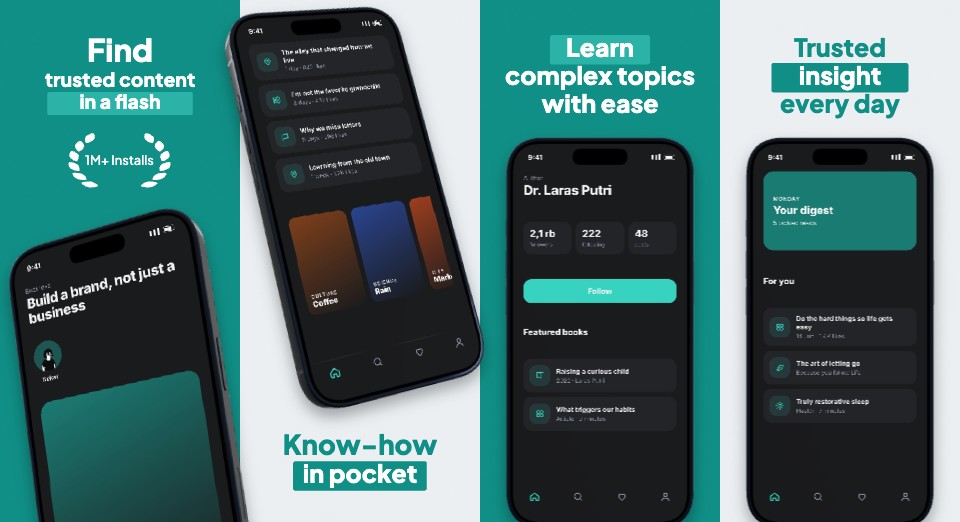
Every slide, ready for the store.

Titles, phones and backgrounds are laid out per slide in the official App Store and Google Play sizes. Change the screenshots and text, and the other slides in the set stay tidy.
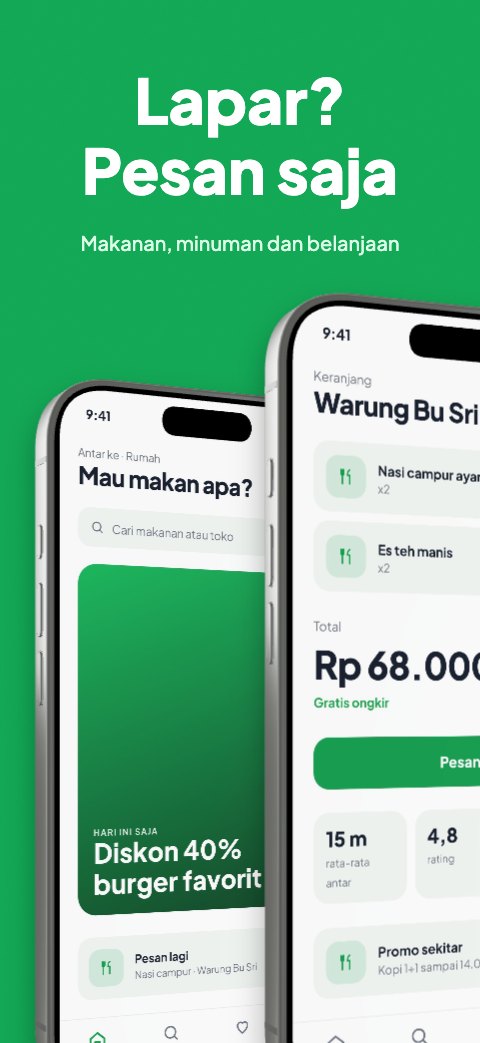
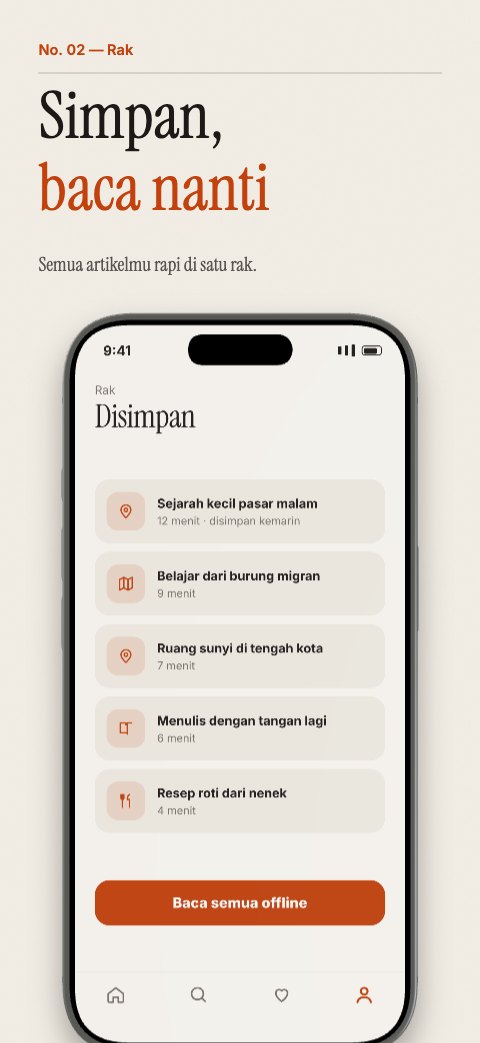
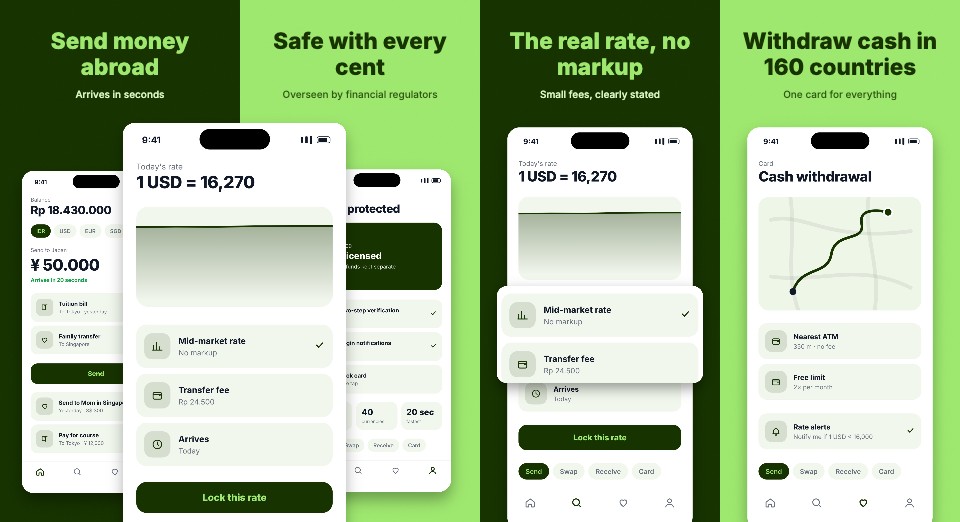
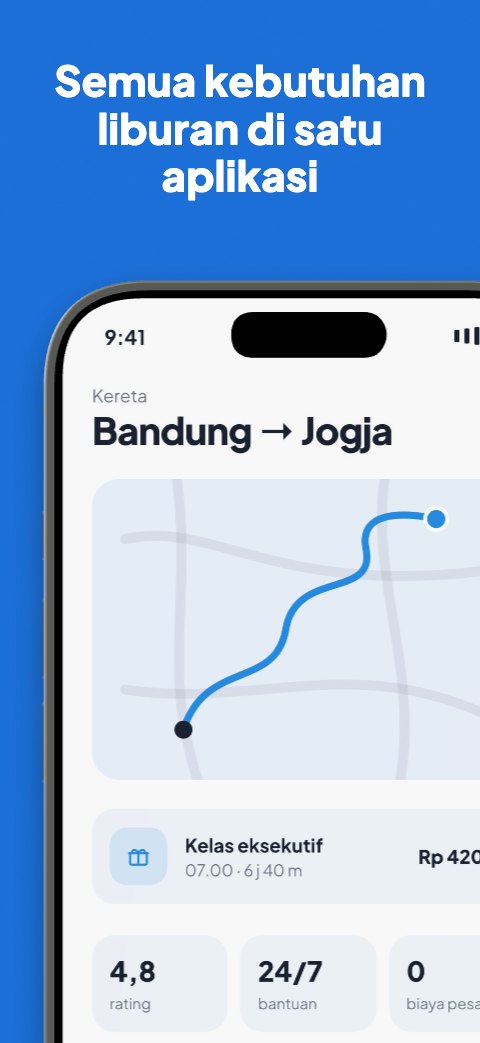
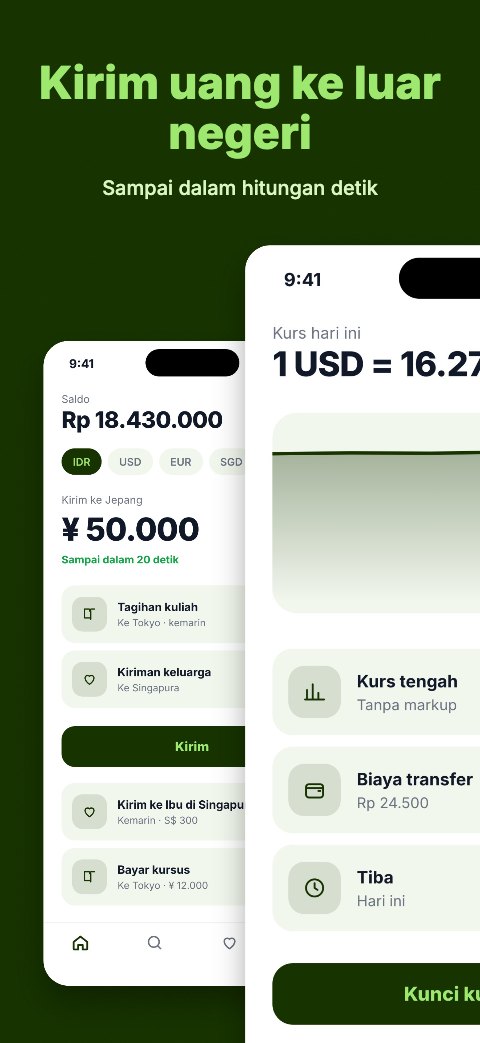
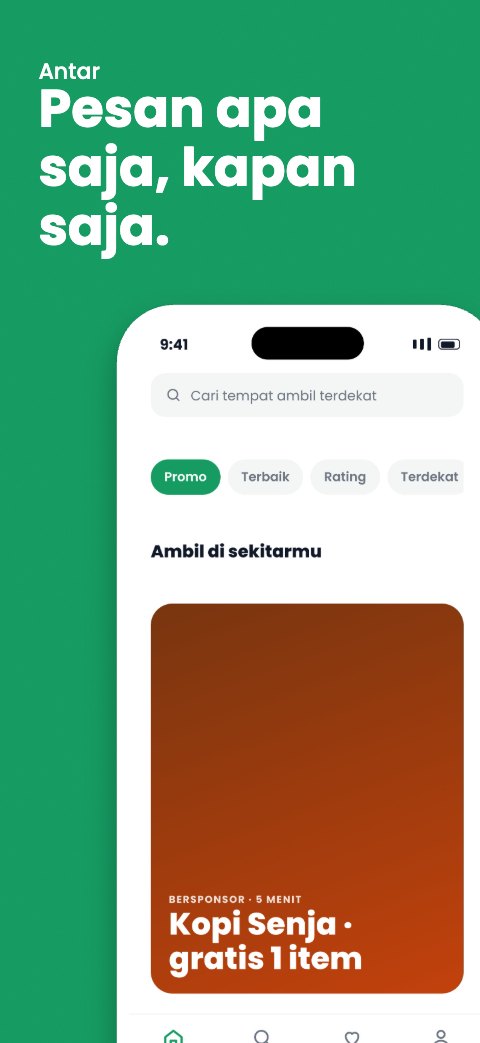
Slide 1 of the Hungry Green Store template
Hungry Green
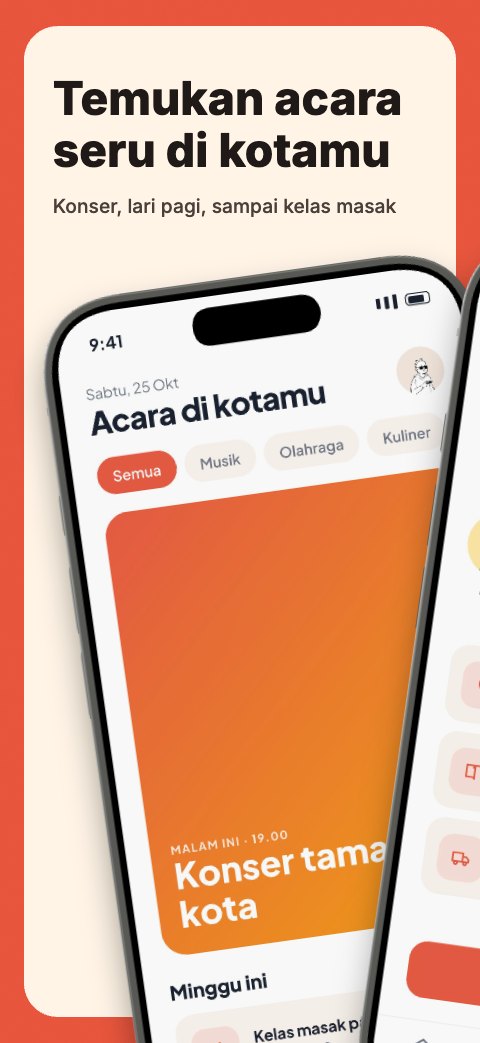
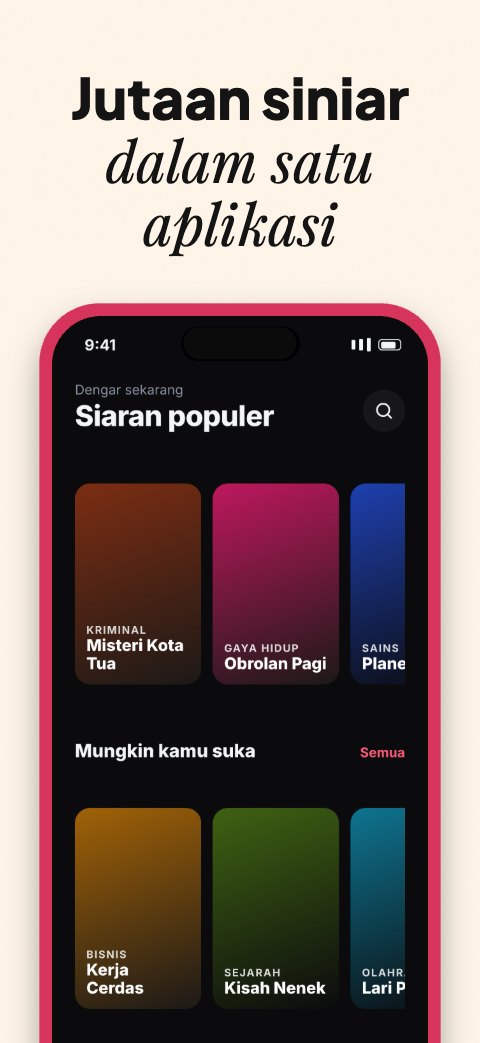
Slide 2 of the Editorial Store template
Editorial
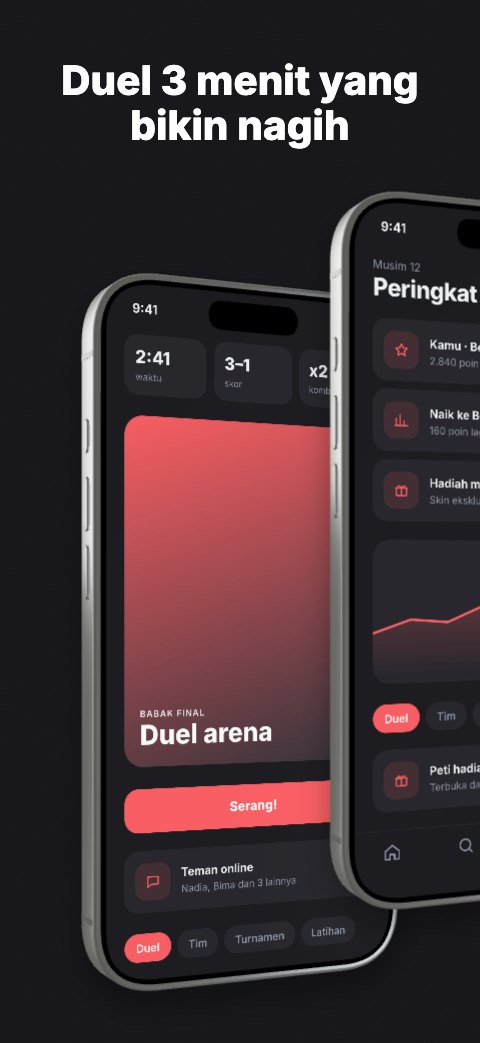
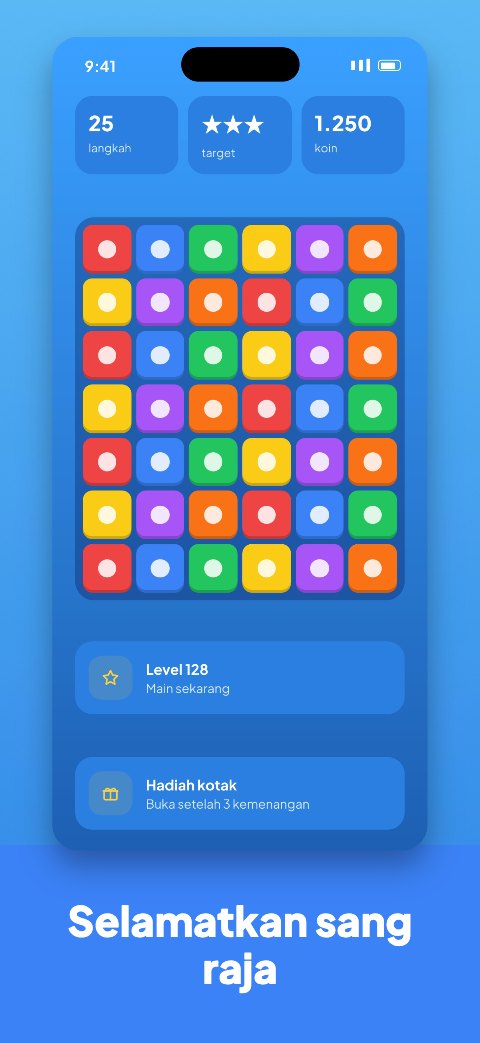
Slide 1 of the Arcade Arena Store template
Arcade Arena
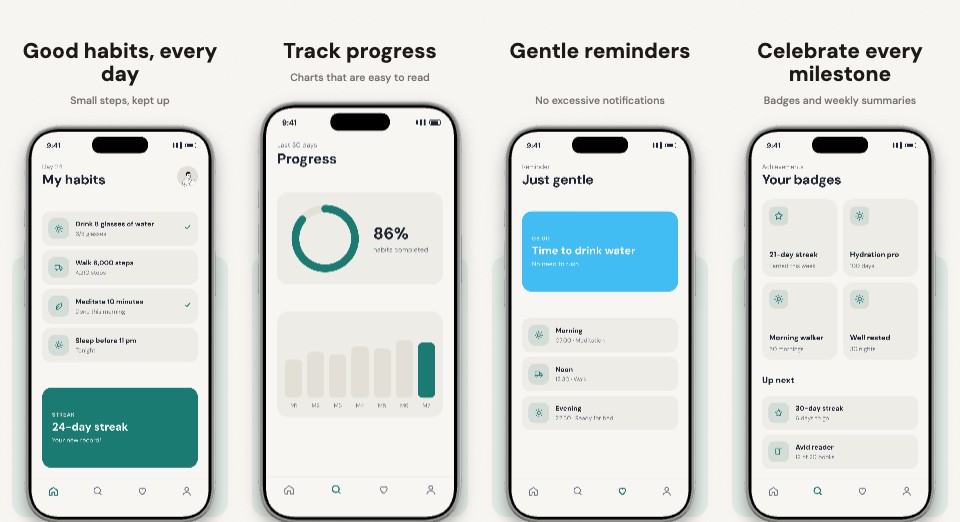
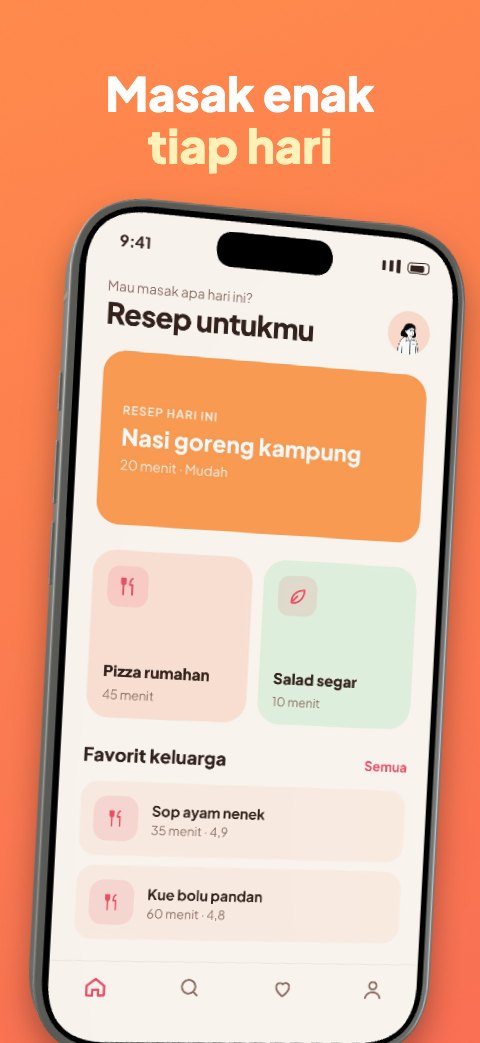
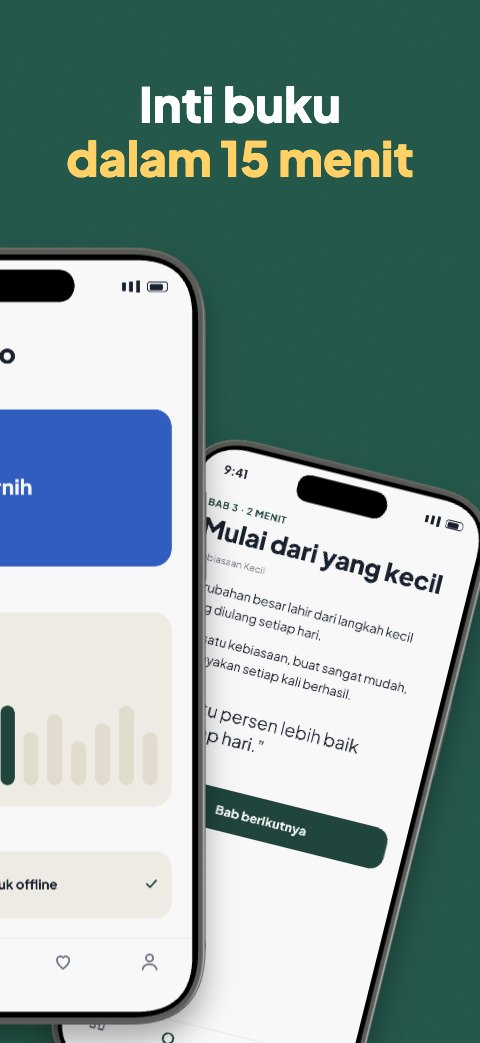
Slide 2 of the Cheerful Health Store template
Cheerful Health
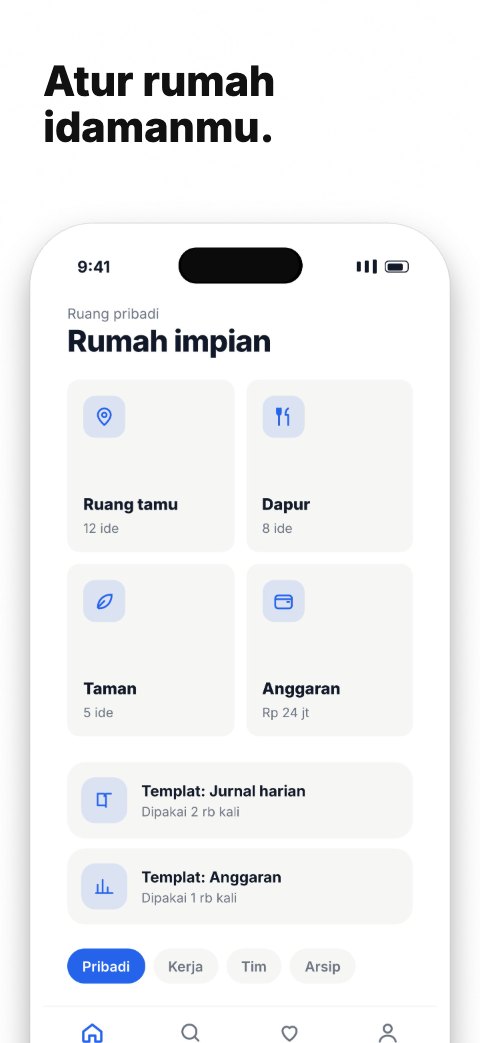
Slide 1 of the Bright Explore Store template
Bright Explore
Slide 1 of the Gather Collage Store template
Gather Collage
Slide 2 of the Neat Paper Store template
Neat Paper
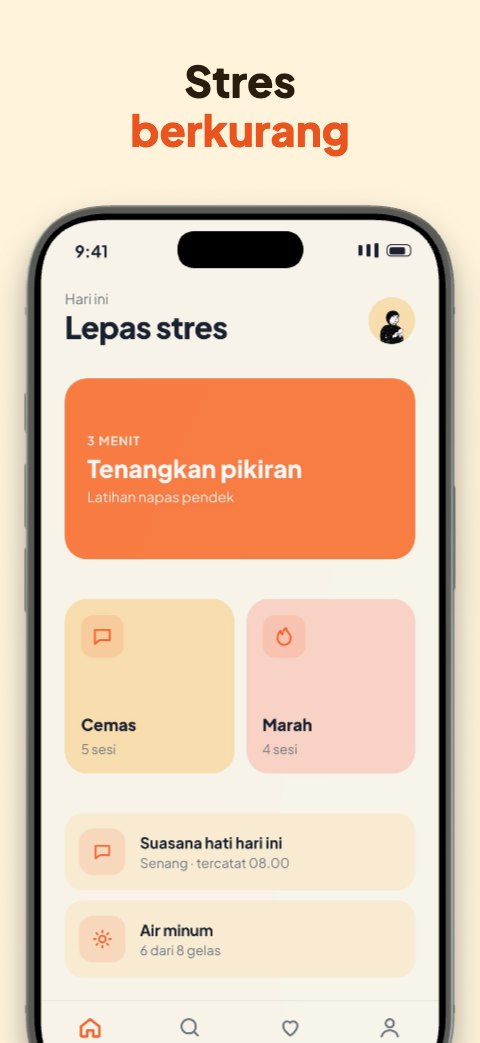
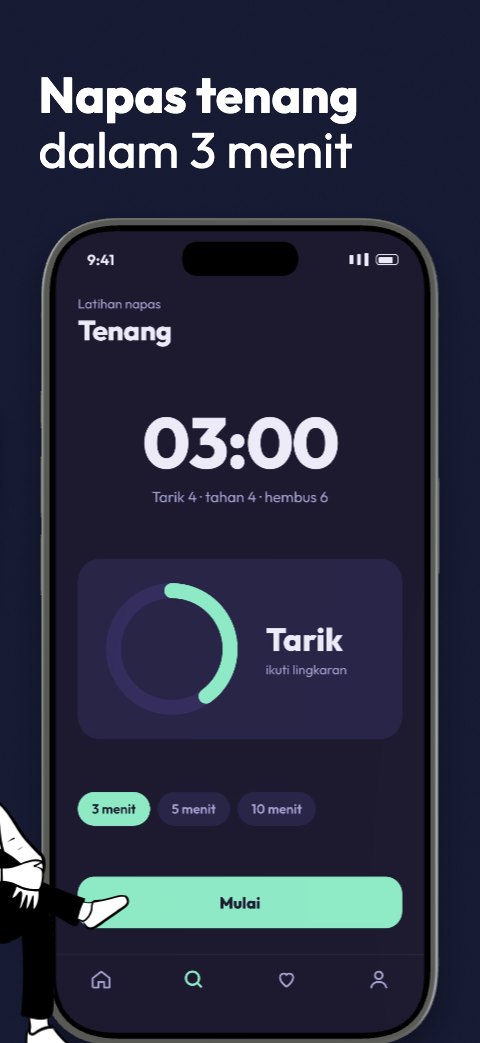
Slide 2 of the Night Breath Store template
Night Breath
Slide 1 of the Capital Lime Store template
Capital Lime
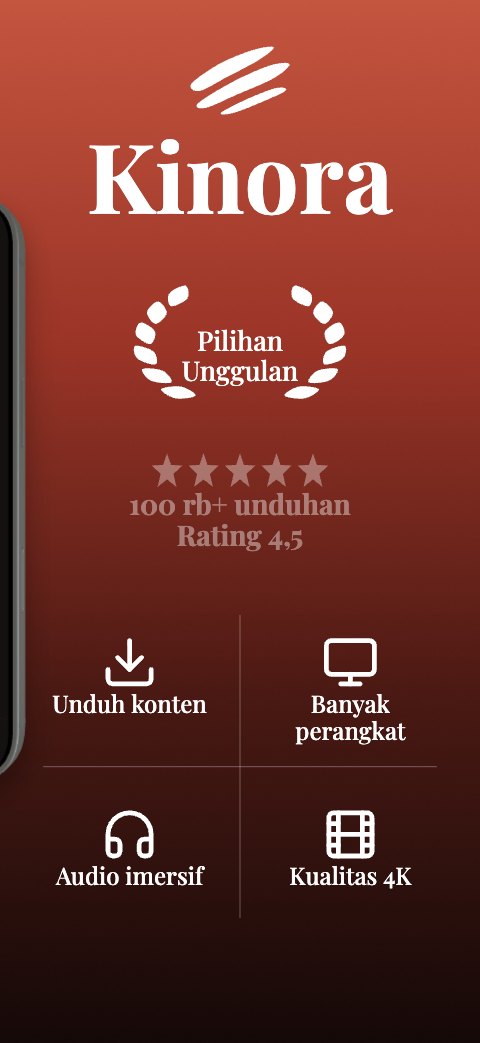
Slide 3 of the Cinema Store template
Cinema
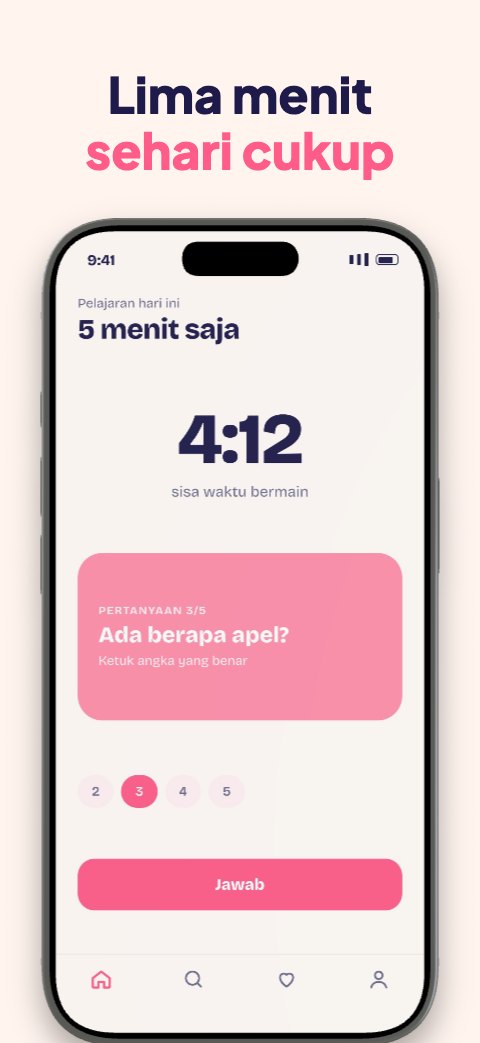
Slide 2 of the Pastel Pop Store template
Pastel Pop
Slide 1 of the Crypto Cheer Store template
Crypto Cheer
Slide 1 of the Dusk Store template
Dusk
Slide 2 of the Broadcast Store template
Broadcast
Slide 2 of the Swift Delivery Store template
Swift Delivery
Slide 3 of the Editorial Store template
Editorial
Slide 1 of the Champion Ribbon Store template
Champion Ribbon
Slide 2 of the Compact Curve Store template
Compact Curve
Slide 2 of the Calm Sky Store template
Calm Sky
Slide 1 of the Spotlight Store template
Spotlight
Slide 1 of the Bold Headline Store template
Bold Headline

45 templates, just add your screenshots.

Pick a style, fill the phone slots, change the titles and brand colours. App Frame prepares every slide in the official App Store and Google Play sizes, feature graphic included.

From raw screenshot to upload-ready file.

In

Bring your app screenshots.

  • PNG, JPEG or WebP screenshots, or paste from the clipboard
  • A template that fits your app's category
  • Targets: App Store iPhone and iPad, Google Play phone and tablet
  • Or start from the sample screens

Arrange

Work on a canvas, not in a form.

  • Fill the phone slots and change each slide's title
  • Brand colours and fonts carry across the whole set
  • iPhone, Pixel, Galaxy and iPad, with perspective tilt
  • Add your own text, elements and backgrounds

Out

Download in the size you need.

  • PNG without transparency, as the stores require
  • Every App Store and Google Play slide at once
  • The Google Play feature graphic
  • Exact pixel sizes to the stores' specifications

Screenshots of unreleased products stay yours.

  • Processed in the browser

    Slide rendering and PNG export run on your own device.

  • Kept on your device

    Screenshots and projects live in the browser's storage, not on our servers.

  • Start without an account

    Open it and start creating. A Google or email account is only needed for the cloud saving that is coming.

Open Screenshot Store and start from the screenshot that is on your screen right now.

Start creating

Questions, answered.

No. App Frame processes images in the browser and keeps projects in your device's browser storage. Because of that, projects do not move to another device on their own.